
A channel is an independent broadcast stream. It connects one display template, a timezone, schedules, and one or more screens.
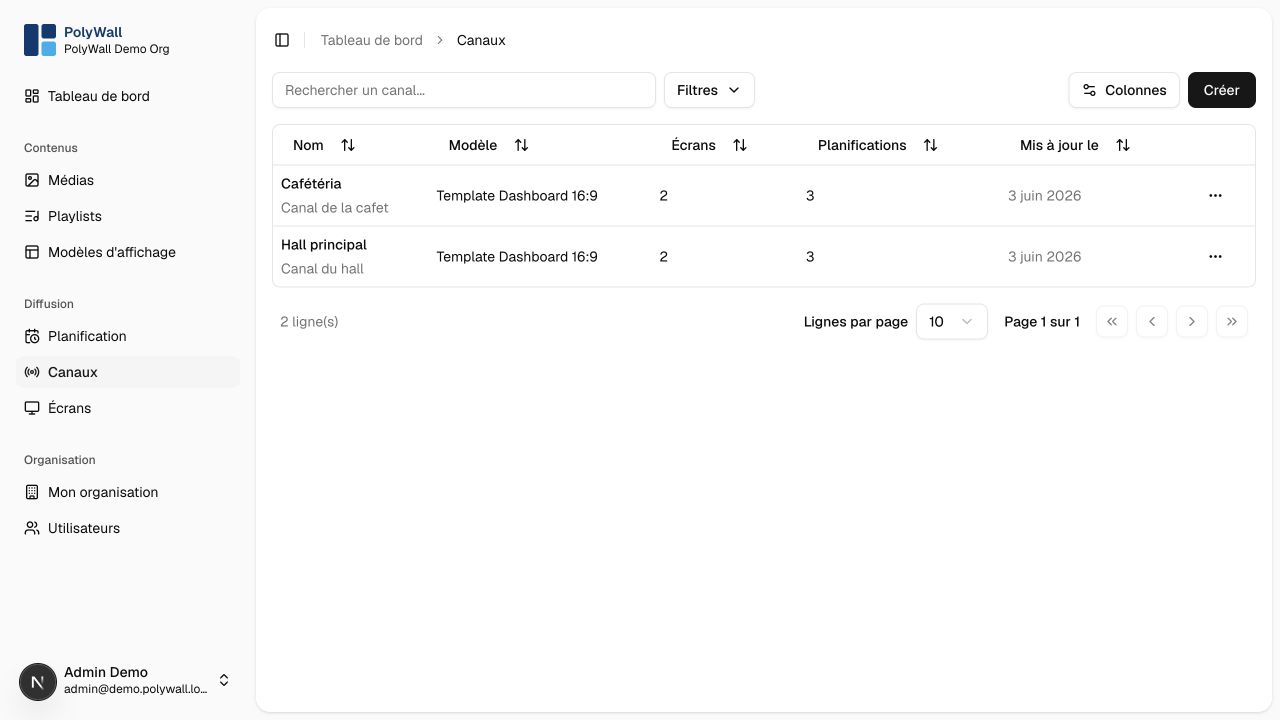
Create a channel
- Open Canaux and select Créer.
- Enter a unique name and optional description.
- Choose a display template.
- Select the timezone used to evaluate schedules.
- Save the channel.
The channel page shows its template, timezone, assigned screens, and current broadcast preview.
Warning
Preview after changing a playlist, schedule, or template, then verify at least one physical screen. Codec support and performance can differ across embedded browsers.
Reassign screens and review schedules before deleting a channel.