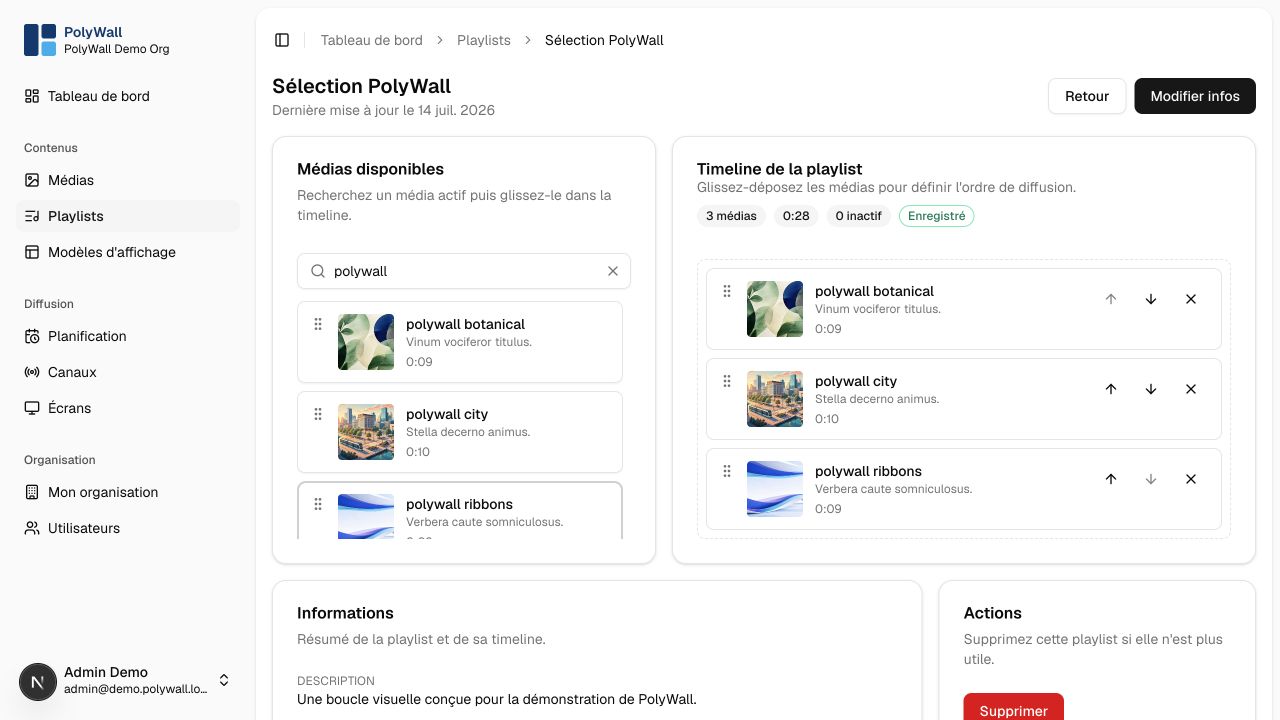
A playlist is an ordered loop of media. The same media item can appear more than once and can be reused across playlists.
Create and edit
- Open Playlists and select Créer.
- Name the playlist and add a description if useful.
- Add ready media from the library.
- Drag items to change their order.
- Configure an item duration when the media type does not provide one or when an override is needed.
- Save and use the preview to verify the loop.
Changes affect every schedule that references the playlist. For a live channel, review the channel preview after editing.