
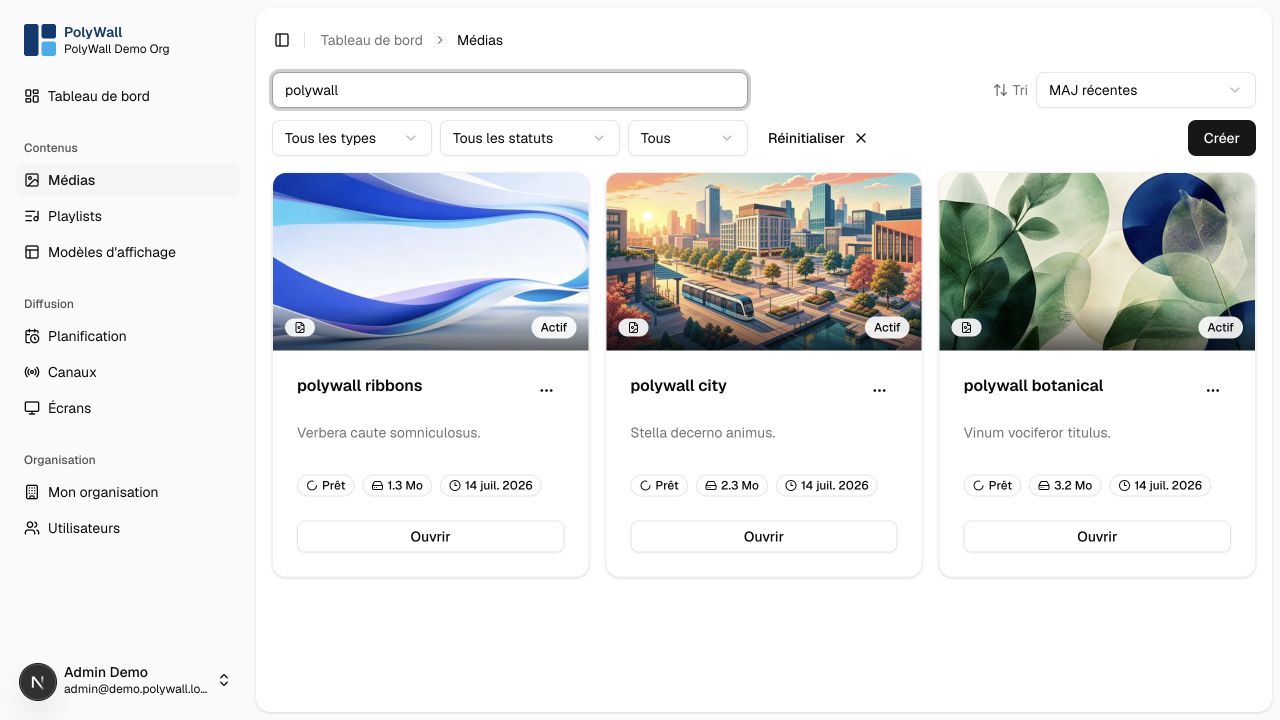
The media library stores editorial items and tracks their original and generated files.
Supported formats
| Type | Typical files | Processing |
|---|---|---|
| Image | JPEG, PNG, WebP, GIF | metadata and thumbnail |
| Video | MP4, WebM, MOV when supported | metadata, duration, and preview frame |
| Document | one display image per page | |
| Presentation | PPT, PPTX | conversion to PDF, then slide images |
Import workflow
- Open Médias and choose Importer.
- Select a supported file and enter its metadata.
- Confirm the upload.
- Wait until processing changes the item to Prêt.
The browser uploads directly to object storage through a short-lived signed URL. The media worker then creates display variants asynchronously.
Deleting media
Before deleting an item, check whether it is used by playlists or static template zones. A failed deletion usually indicates an active relationship that must be removed first.