
Schedules select the playlist displayed by a channel at a given time. All comparisons use the channel timezone.
Schedule types and priority
flowchart TD
A["Active event schedule?"] -->|Yes| E["Use event playlist"]
A -->|No| B["Matching recurrence?"]
B -->|Yes| R["Use recurring playlist"]
B -->|No| C["Default schedule available?"]
C -->|Yes| D["Use default playlist"]
C -->|No| N["No playlist content"]
- Event: a bounded date and time interval. highest priority.
- Recurring: repeats on selected weekdays and times.
- Default: fallback when no higher-priority rule matches.
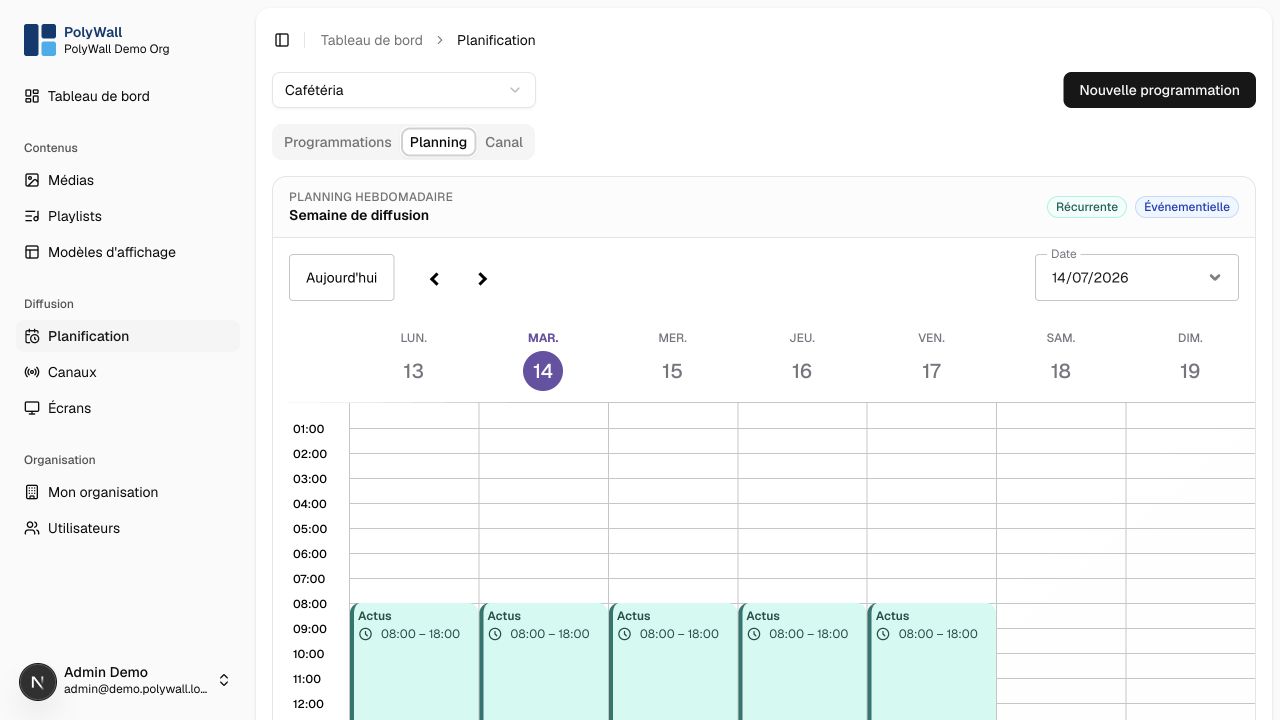
The Planning tab projects recurring and event schedules onto a weekly calendar for the selected channel.
Recommendations
- Create a default schedule for every active channel.
- Keep event windows as narrow as possible.
- Review timezone and daylight-saving behavior.
- Resolve overlapping rules explicitly rather than relying on accidental order.
- Use both calendar and channel previews before publishing a change.