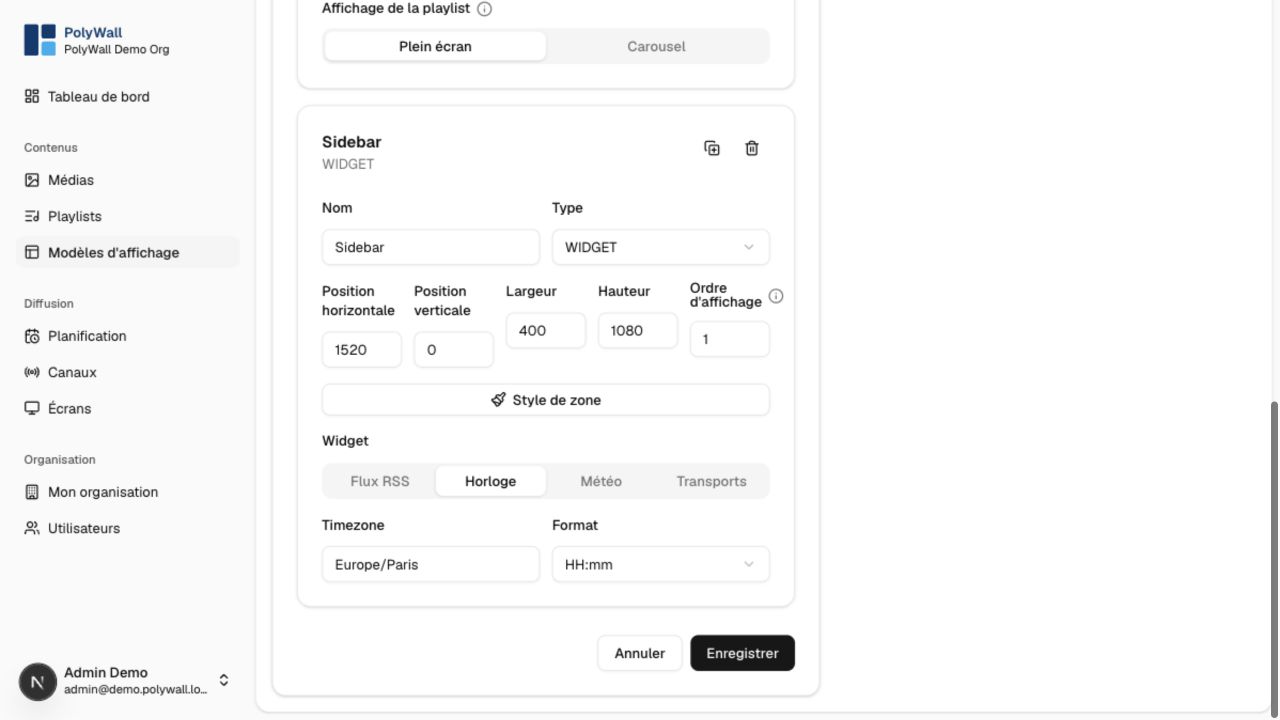
A display template defines a reference resolution, background, and non-overlapping content zones. The player scales that reference layout to the physical screen.
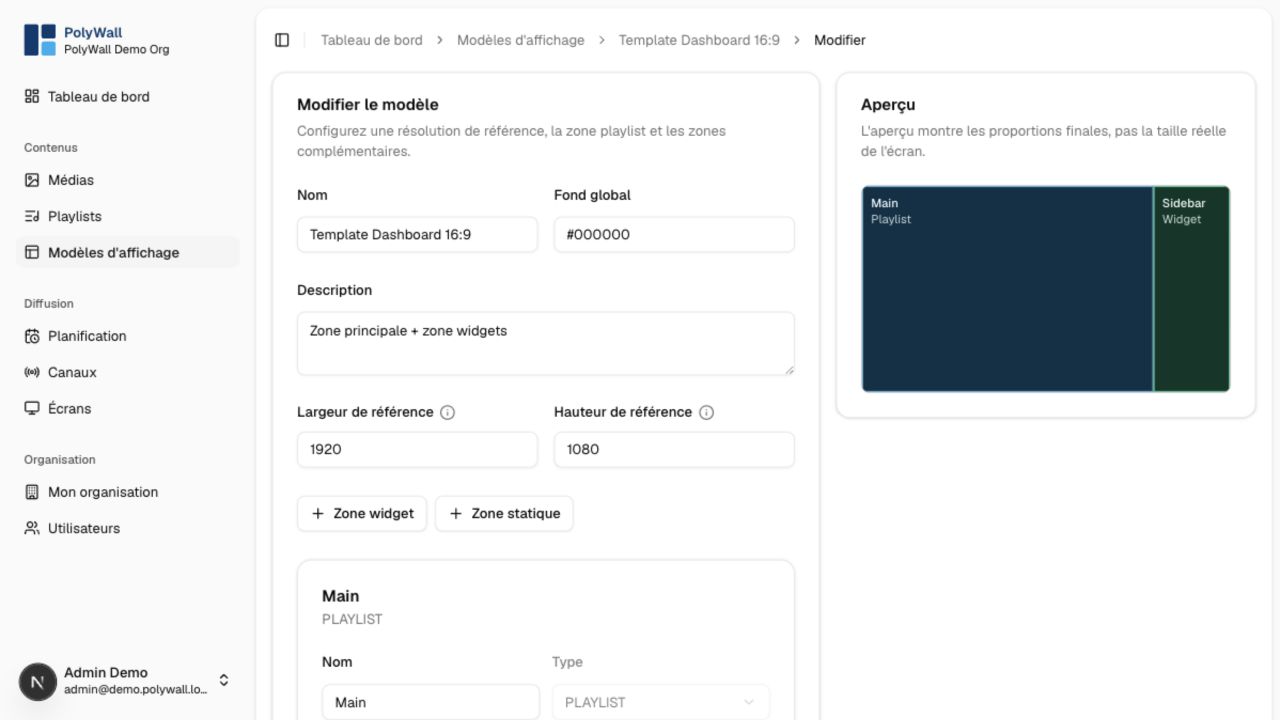
Zone types
- Playlist displays the channel's currently selected playlist.
- Static media always displays a chosen asset.
- Widget renders a configured clock, weather, RSS, or transit view.
Design workflow
- Create a template and choose its reference width and height.
- Add, move, and resize zones in the editor.
- Select the content type and configuration for each zone.
- Check that zones do not overlap unintentionally.
- Save and preview on the target aspect ratio.
Changing a channel's template updates every screen assigned to that channel without changing its schedules.
The detailed zone controls define the widget type, position, dimensions, stacking order, and widget-specific settings.